External Links
Overview
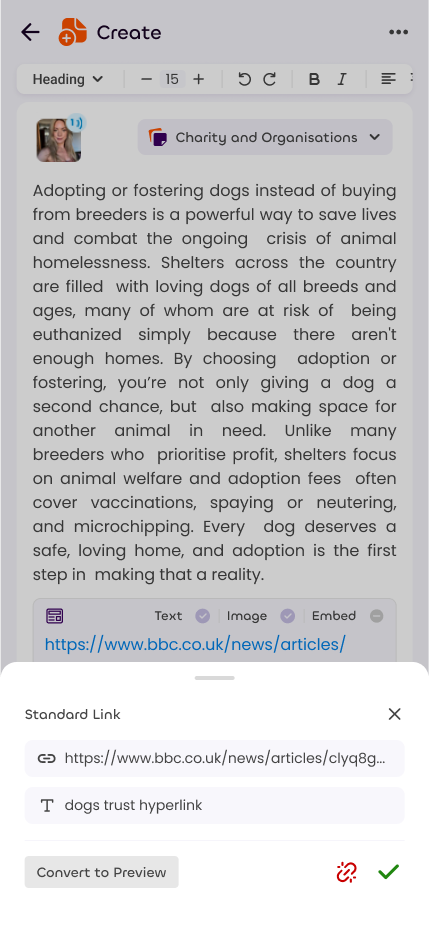
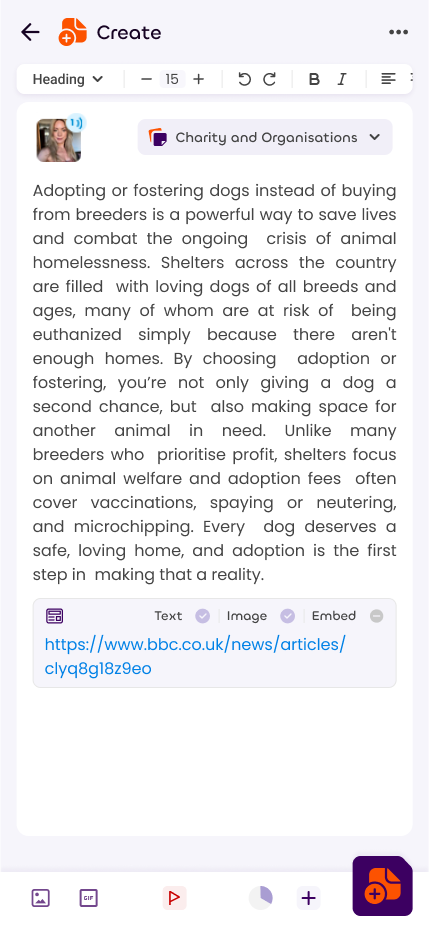
Any web page can be linked on Sonata within created notes. These will show either as a non clickable hyperlink, a clickable hyperlink, a page preview, or a direct embed.
How a link will be shown depends on the options chosen when posting the note, as well as your amplification level.
If your amplification level is low, your link will have fewer options and may not be able to show as an embed, or with a preview.
Previews and Snippets
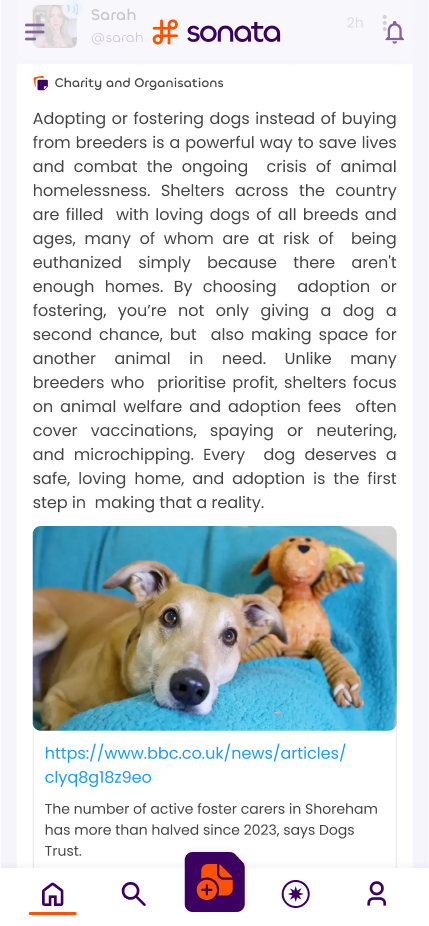
When you share a link, Sonata will try to fetch an image and a snippet from that website to show next to the link when the note is posted.
This data is refreshed approximately once per month. In a later update, we'll introduce a way for you to request a re-crawl manually, or if you verify your domain, a way to flush all crawled data.
Embeds
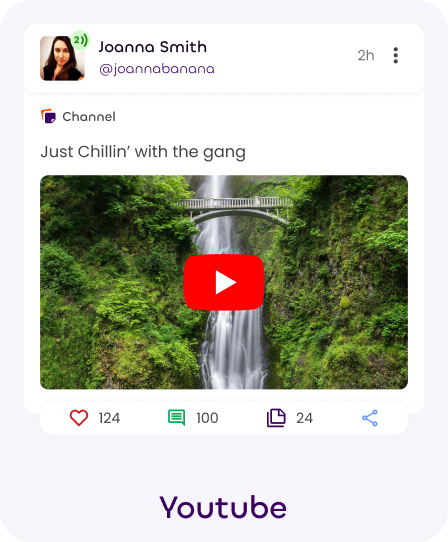
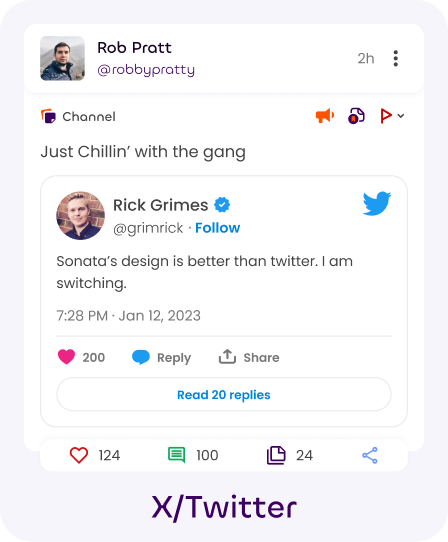
Sonata supports the embedding of several other platforms and can automatically convert links into embeds.
- Youtube
- Vimeo
- Mastodon
- Bluesky
- X/Twitter
- Tiktok
- Soundcloud
- Spotify
Future Plans
We're planning on allowing you to opt for custom link text, instead of the full link or a preview/embed.
We're also looking to add more embed options for more services.