Notes
Overview
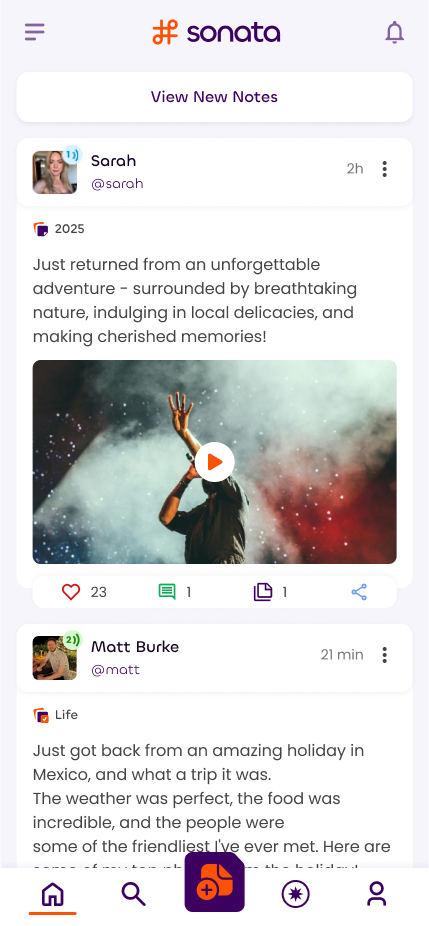
Notes are Sonata's posts, limited to 440 characters. They can contain up to 50 images and 22 links with 2 embeds or previews.
Every note must be sorted into a channel, which you may create beforehand from your profile.
Each note can have up to 6 hashtags and 6 mentions of other users.
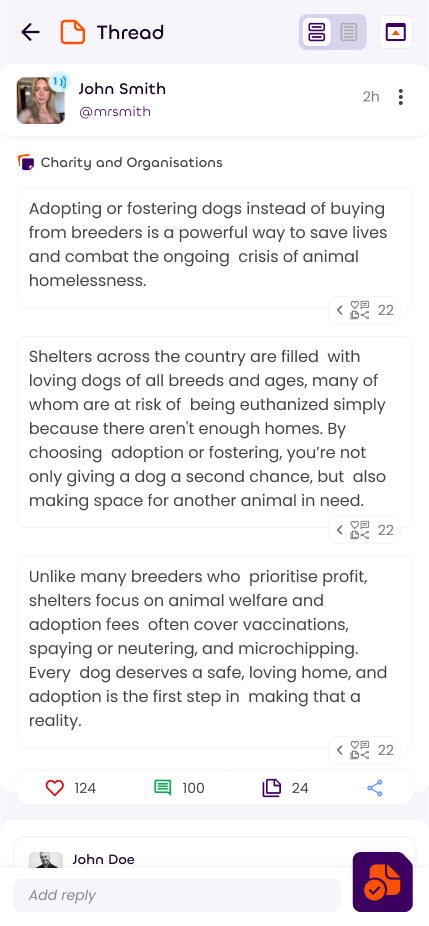
Notes can be expanded into threads, which link many notes together. Once posted, these threads can be displayed as one continuous page, either in Sonata or on a shareable standalone page. Threads in Sonata aren't reply chains, they are fully integrated collections of notes.
Note Edits
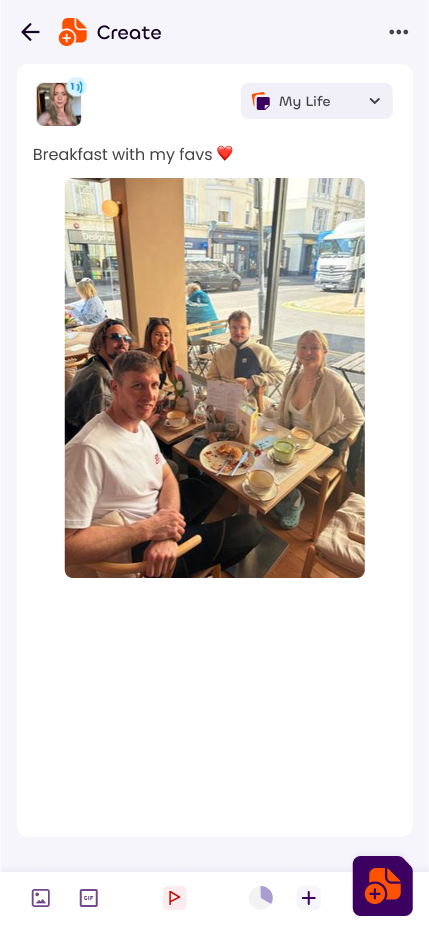
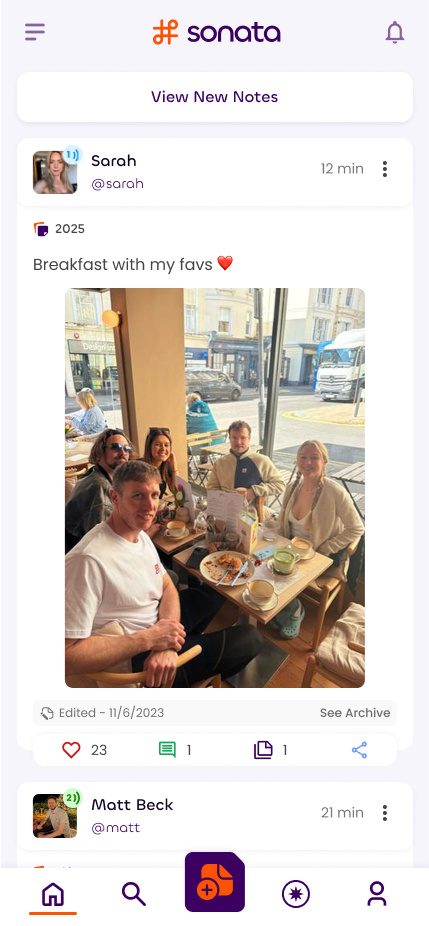
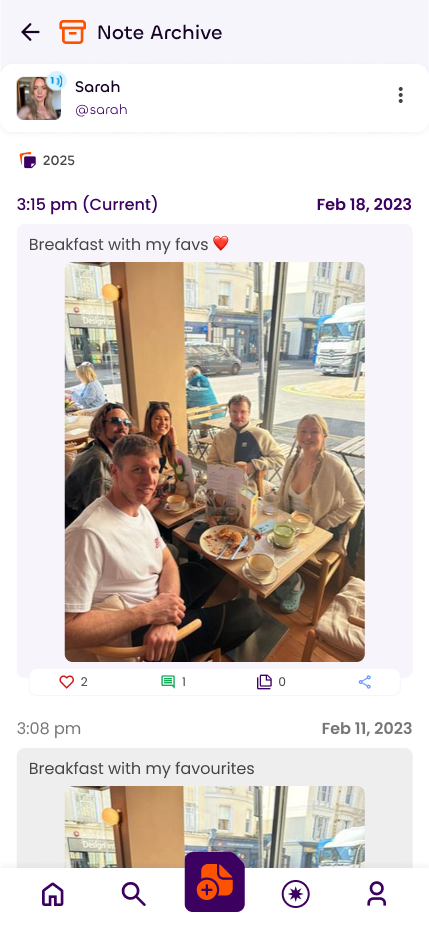
Every time a note is edited (not including re-ordering images or changing link options), an archive entry is created.
This can be visited by clicking on the 'edited on' date at the bottom of a note.
On the archive screen, the number of interactions that were present at the time of the edit is shown. This prevents a user from being able to post something pleasant, get lots of likes, then edit it to saying something controversial, risking the reputations of the people that liked it.
Images
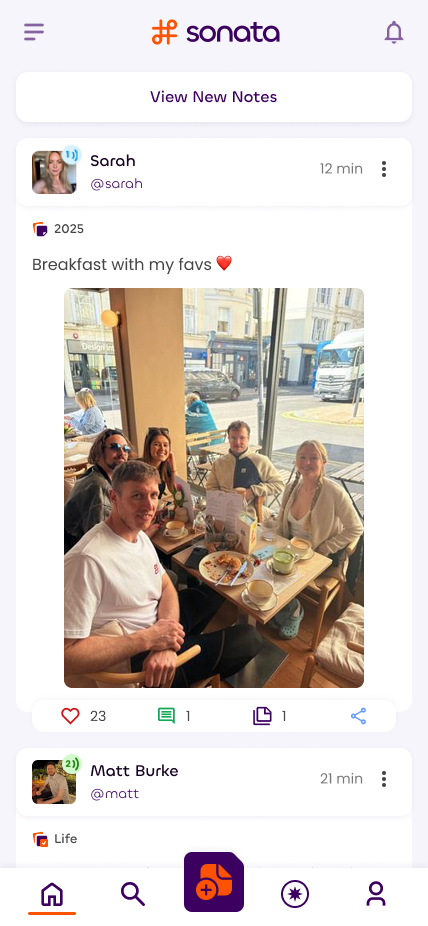
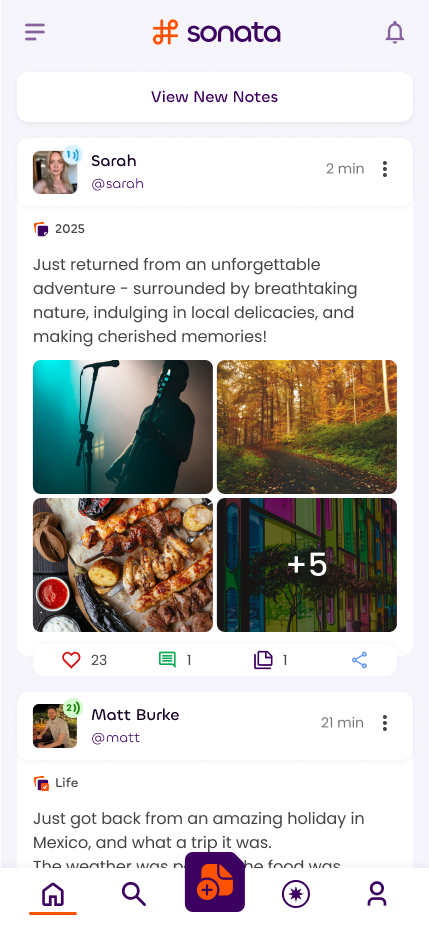
Each note can have up to 50 images attached. With 1-4 images these will show all at once, and with 5+ the extra will be available in an expanded page with a full screen slideshow.
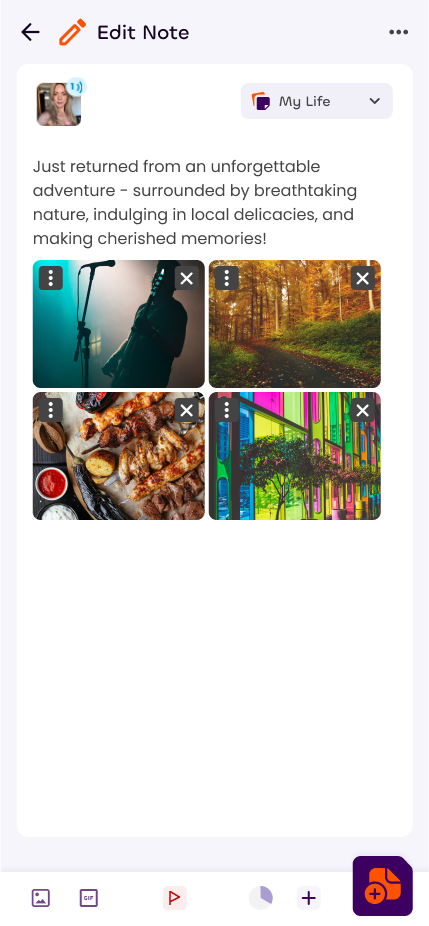
Images can be re-ordered after uploading and when editing the note later and this does not trigger an archive entry.
Make sure to add the correct content flags if uploading a sensitive image!
Links
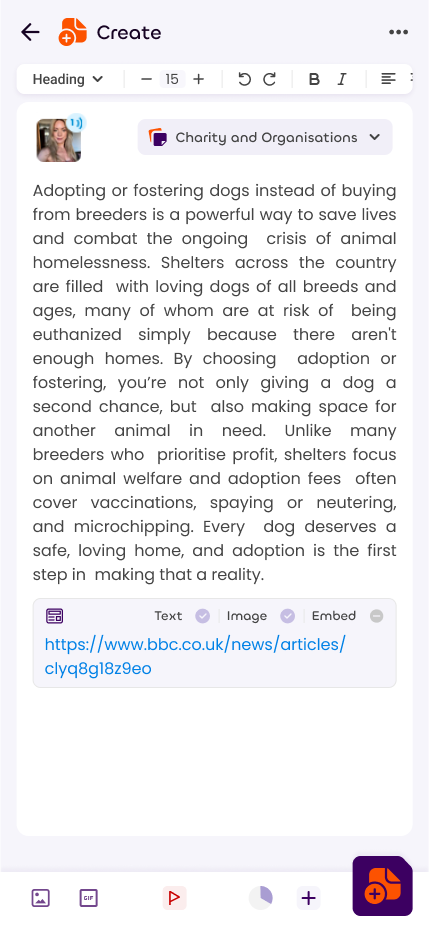
Each link consumes 20 characters from the 440 limit, regardless of how long the link is.
With amplification level 1 or higher, links within notes can contain snippets of the sites they link to, or with certain services, embeds of the content itself.
These can be chosen within each link after adding it to a note, giving full control over how each link shows.

Embeds
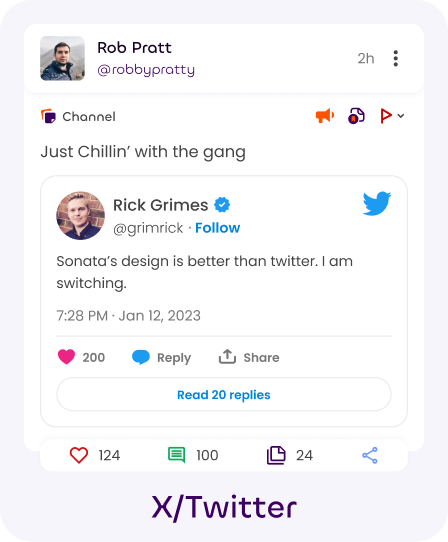
Links to the following services will instead be shown as embeds:
- Mastodon
- Bluesky
- Youtube
- Vimeo
- X
- Tiktok
- Spotify
- Soundcloud

Flags
Threads
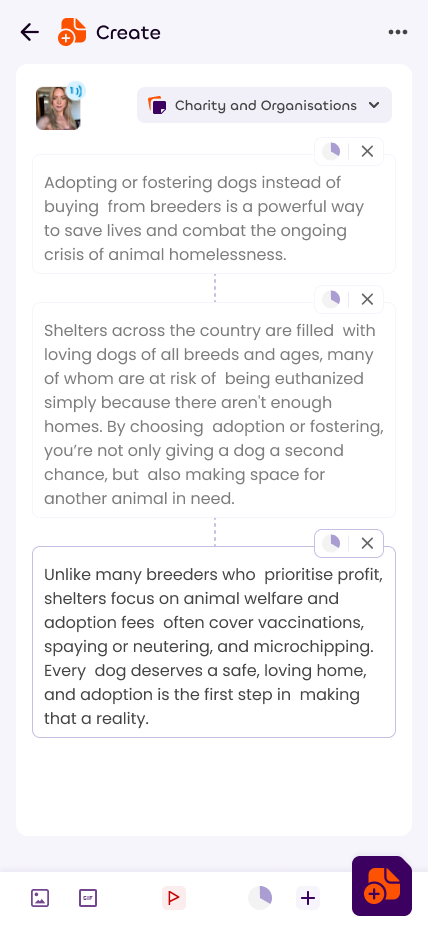
Pressing the + Button when creating a note opens the thread view. This lets you post many notes at the same time, linked together as one.
Thread notes have all the same content possibilities that a standard note does, each can contain 440 characters, 50 images, 22 links and 2 embeds.
Content flags will apply to the entire thread and you can adjust them later by editing the first note in the thread.
You can edit any note individually by visiting the thread note view, by opening up the action bar on the note and pressing the rightmost button.
Future Plans
When possible we'll be adding video to Sonata notes, though this will be tricky as it will likely be our single greatest ongoing expense.
Before that we'll add in polls, which we'll mix with amplification levels in the results to better break down who voted for each option.